 IPTV4U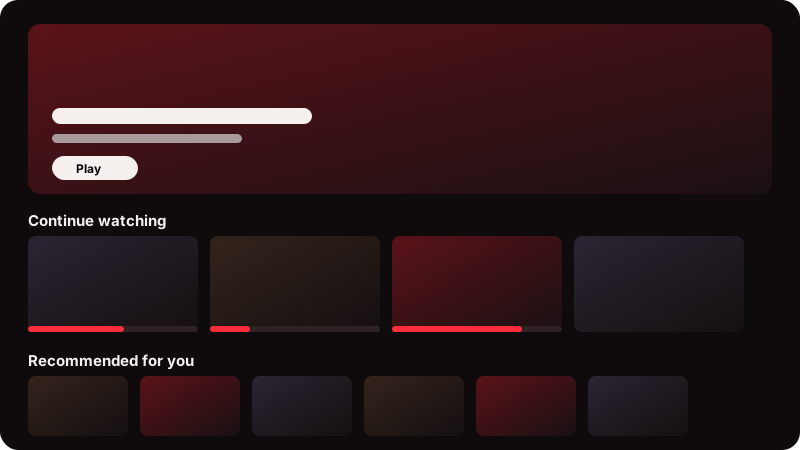
A home screen that remembers you
Continue watching, My list and Recommended for you sit at the top. Recommendations are worked out on your own device from what you have watched, and you choose which sections show.
IPTV4U is a streaming service with its own apps for your TV and your laptop. Sign in once with the details from your provider, then press OK and watch.
Fire TV, Android TV and Windows today. Mac, Linux and iOS are in development.
One look and one set of controls on every device. Your login, your list and what you were watching stay on the device you use.
Made for the remote. Install it with the free Downloader app.
One-click installer for your own user. No administrator needed.
Same app, same look.
Same app, same look.
For iPhone and iPad.
The things you notice in the first week, and the things you stop noticing because they just work.
Continue watching, My list and Recommended for you sit at the top. Recommendations are worked out on your own device from what you have watched, and you choose which sections show.
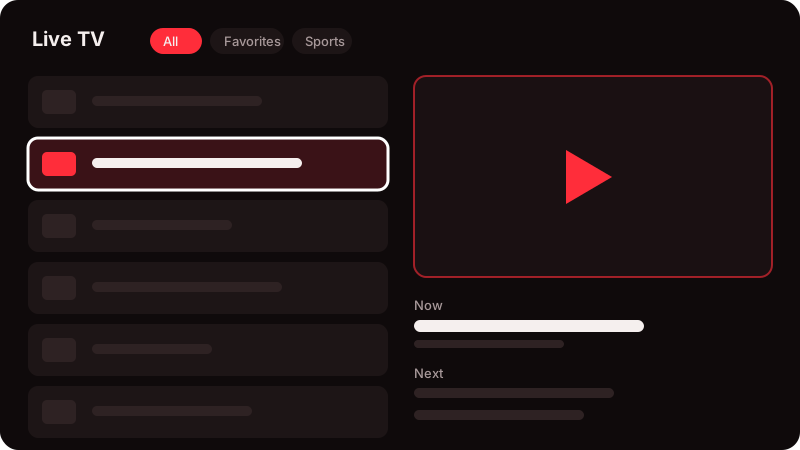
Press OK on a channel and it plays in a box next to the list, with what is on now and next. Press OK again and it goes full screen without restarting. Star your favourite categories to put them first.
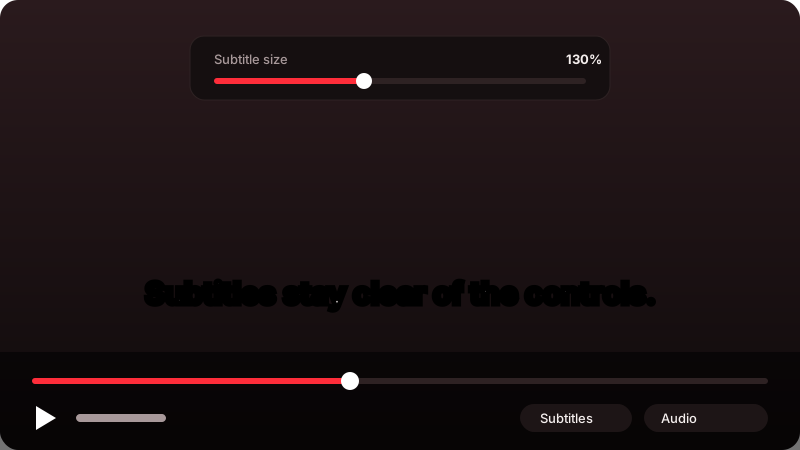
They sit just above the controls and settle back down when the controls hide. Set the size anywhere from 70% to 250%. The language you pick for a show is used again on its next episode.
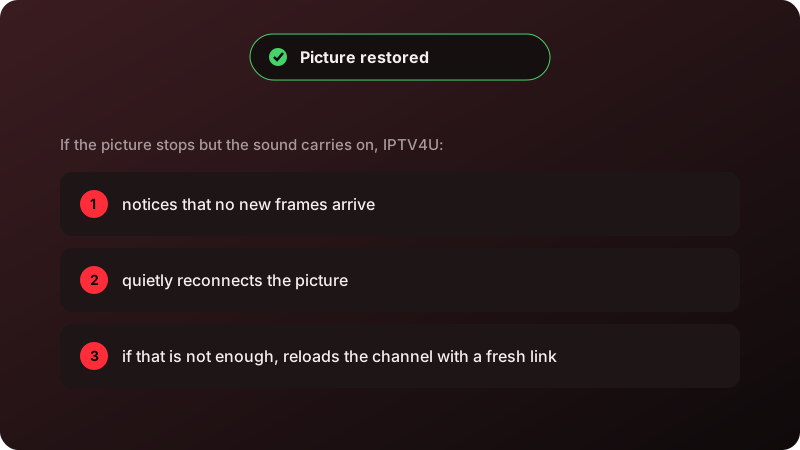
If the picture stops while the sound carries on, the app notices, reconnects it, and reloads the channel with a fresh link if it has to. You get a short message, not a restart.
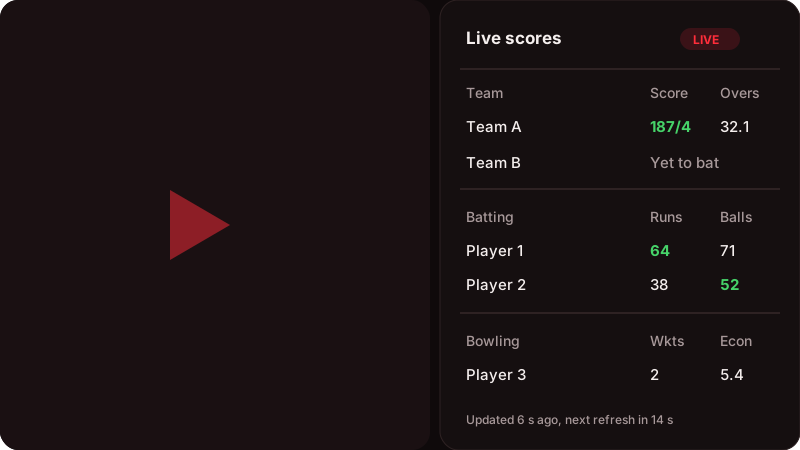
Open scores and player stats from the player on cricket, NBA and NFL channels. They refresh by themselves, and any number that changed turns green so you can see what just happened.
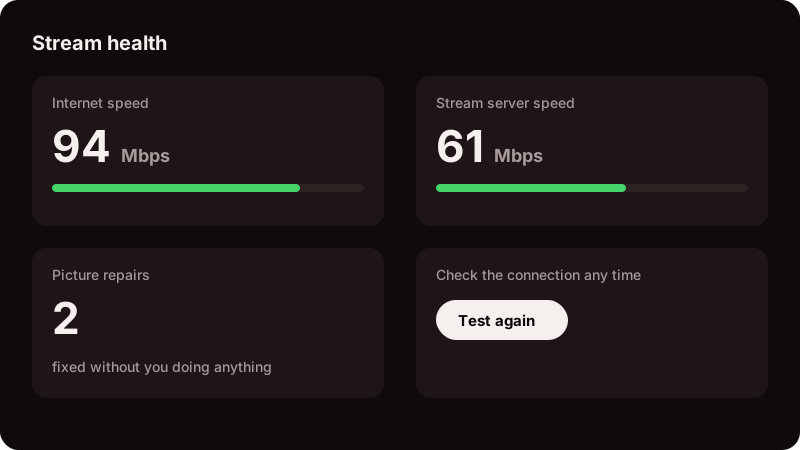
Stream health shows your internet speed and the stream server's speed side by side, with a Test again button. You can tell in seconds whether it is your connection or not.
Setup takes a few minutes. You only do it once per device.
Your provider gives you a code when your account is approved. Keep it private: it opens the downloads.
Type the code on the download page. You will see the app for your device, with the steps to install it.
Open the app and type the details your provider sent. From then on it opens straight to Home.
Fire TV Sticks and Fire TV sets, and Android TV or Google TV devices such as Sony, TCL, Hisense and Chromecast with Google TV. Samsung (Tizen), LG (webOS), Roku and the newest Fire TVs with Vega OS cannot install these apps.
Install the free Downloader app on the TV, open it, and type the short address shown on the download page. It downloads and installs the app. The first time, Android asks you to allow installs from Downloader.
The installer is not signed with a paid certificate yet, so Windows shows a blue warning. Choose More info, then Run anyway. It installs for your user only and needs no administrator.
No. Updates install over the old version and keep your login, list and history.
An account from your provider. IPTV4U is the player: the channels and titles come from your provider, and so does the sign-in you type the first time.
Your provider sets how many devices your account allows. One stream plays at a time per account.